Working in The Canvas
Learn how to make the most of the canvas and Count agent with your team.
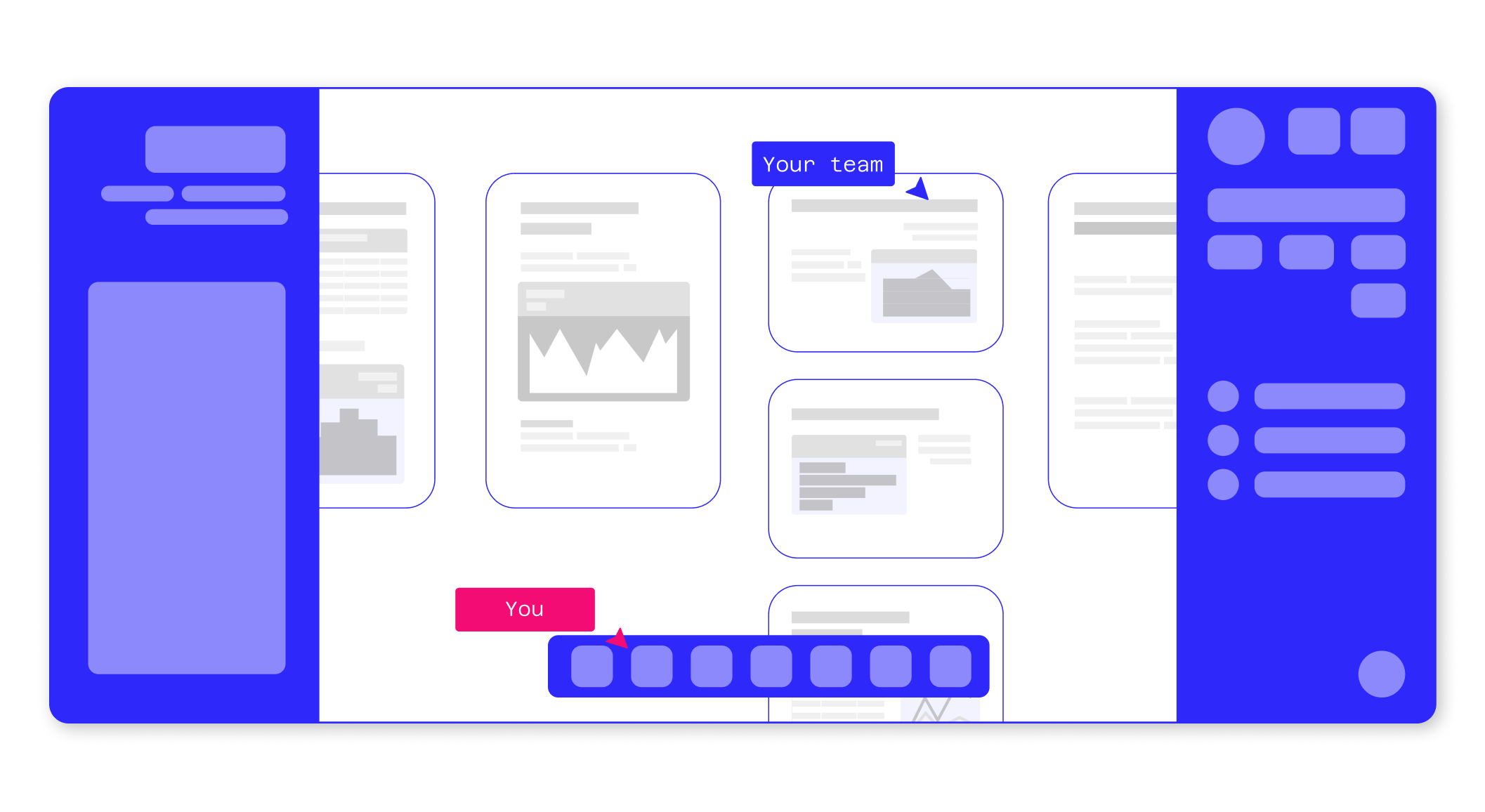
Everything in Count happens on a canvas: a shared space where you, your team and AI agents work through a problem together.
A chatbot gives you an answer as a block of text. You can't see the queries behind it, can't check a step that looks off, can't put two results next to each other. Fine for a quick question. Not much use when you actually need to understand something.
On the canvas:
- Nothing is locked inside a rigid UI. Queries, outputs and the agent's reasoning are all objects you can open, change and move around
- Your team works in the same space with the same agents, so people can question a step and build on each other's work.
- Finished work can be preserved as a live, updating report others can follow, reuse, and trust.
The pages below cover each part of the canvas in detail: the building blocks (cells and objects), how to work with the agent, collaborating with your team, and turning your work into live reports.
AI Agent Overview
Spend less time remembering that date function or tweaking that visual.
Navigating the canvas
How to get around the canvas
Canvas objects
Count's canvas can contain a range of objects, both data-driven and static.
Collaborating and Sharing
Work through problems with your team in real time, and control exactly who sees what.
Reports and Alerts
Turn your analysis into polished reports and stay on top of your data with automated alerts.