Data Snapshots
To save a version of your canvas with all of the current query results, use data snapshots.
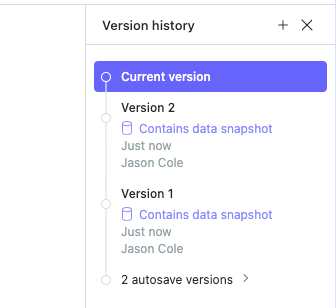
#How to enable data snapshots
To create data snapshots, first enable either Static or Scheduled query caching. See the following page for more information on query caching:
#When are data snapshots created?
#If static caching is enabled
A data snapshot is created when:
• A new version is saved
• Refresh all results is selected
#If scheduled runs are enabled
A data snapshot is created when:
• Your queries are executed due to the run schedule
• Refresh all results is selected
Last updated: 03/08/26