Filter data in a visual
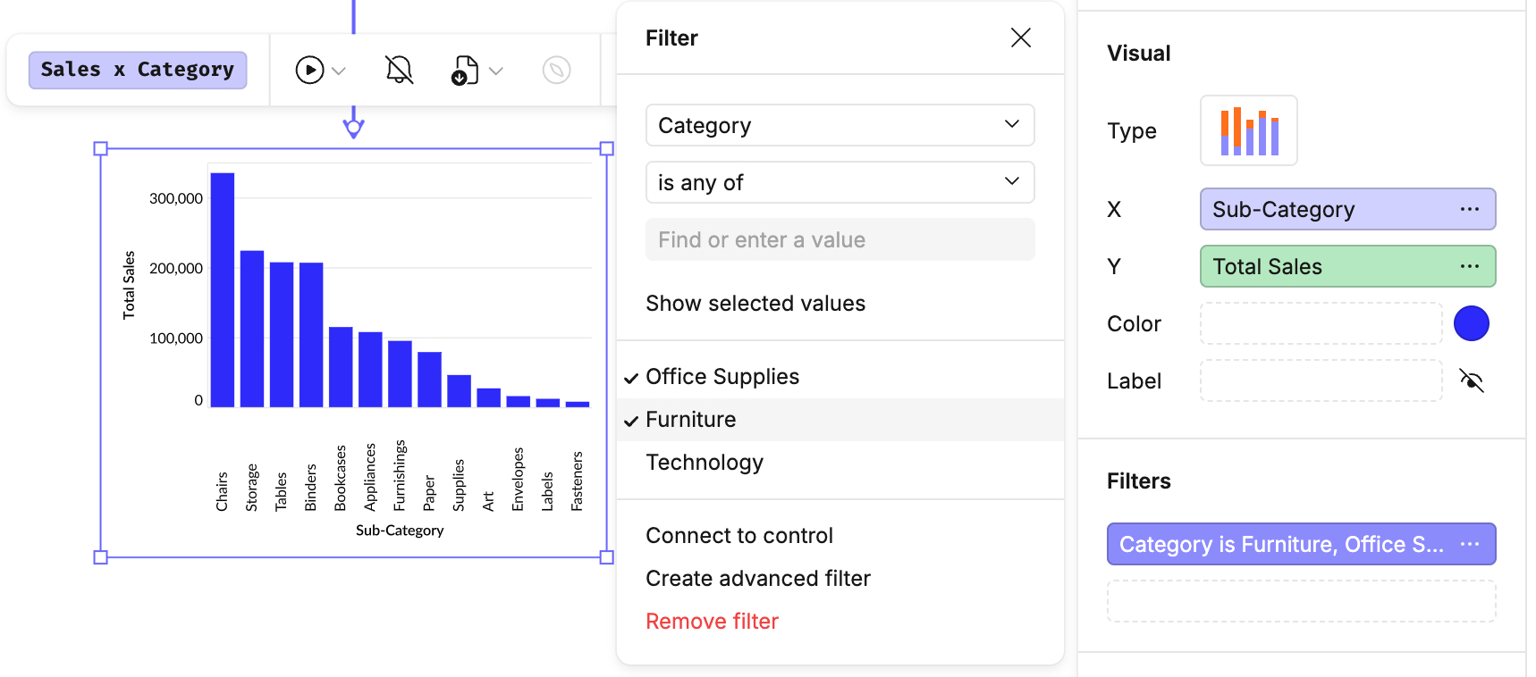
If you want to include or exclude certain values in your visual, use the Filters channel in the design bar:
- Add a filter: drag the column you want to filter into the Filters channel (in this example, Category).
- Configure the filter: click the ellipsis beside the column name to set your filter conditions.
#Advanced filters
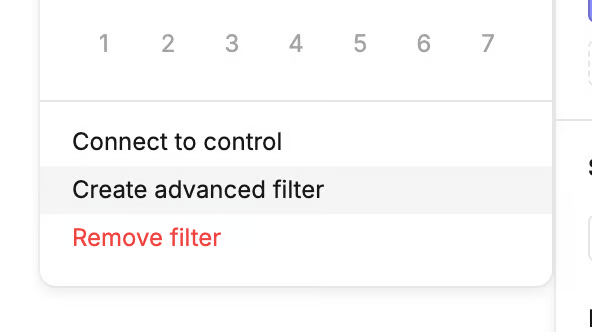
- To apply more complex logic, select Create advanced filter from the filter options menu.
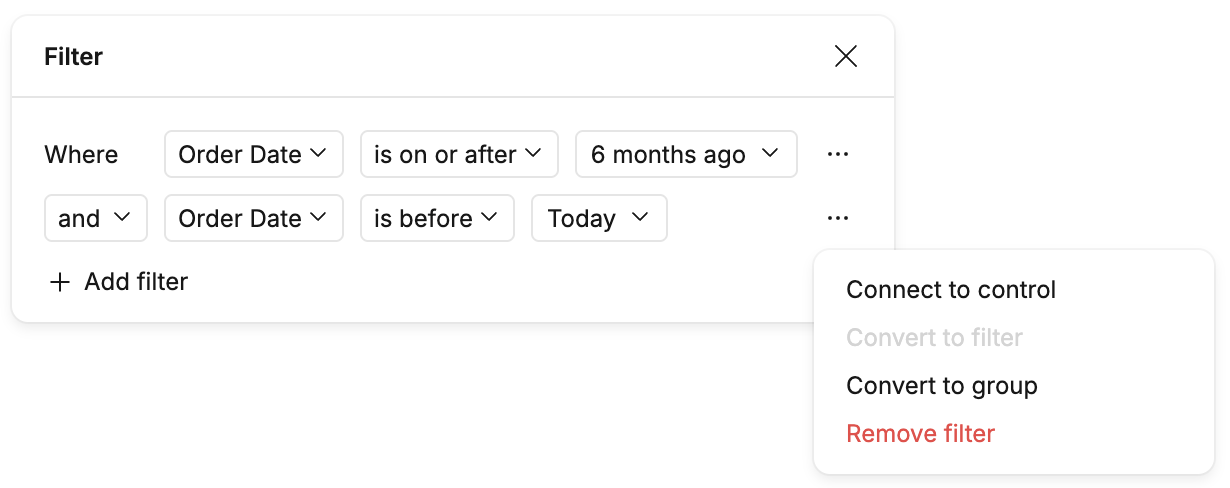
- Here you can add multiple criteria, chained with
ANDorOR. - Click the ellipsis for options to group criteria together for further control.
#Dynamic filters
You can also connect filters to control cells, allowing you (or other canvas users) to change the visual dynamically.
Last updated: 03/08/26